Changelog
Full history of every Eddytor release.
v1.0.0-rc.6#
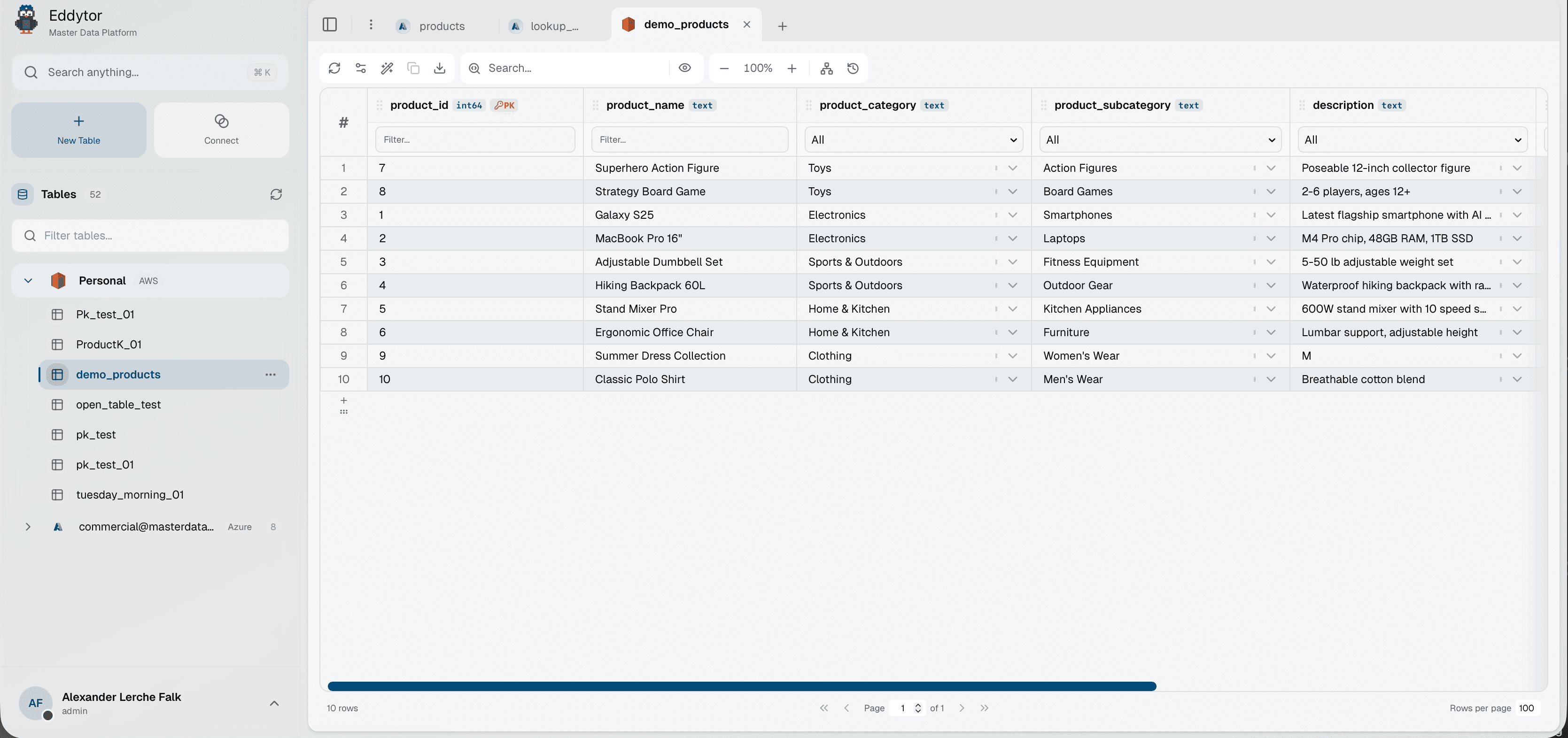
February 23, 2026Data operations now run server-side. Search, filter, and sort are all handled by the engine, making large tables feel instant. The storage browser also got a big upgrade — you can now create folders and tables directly from it.

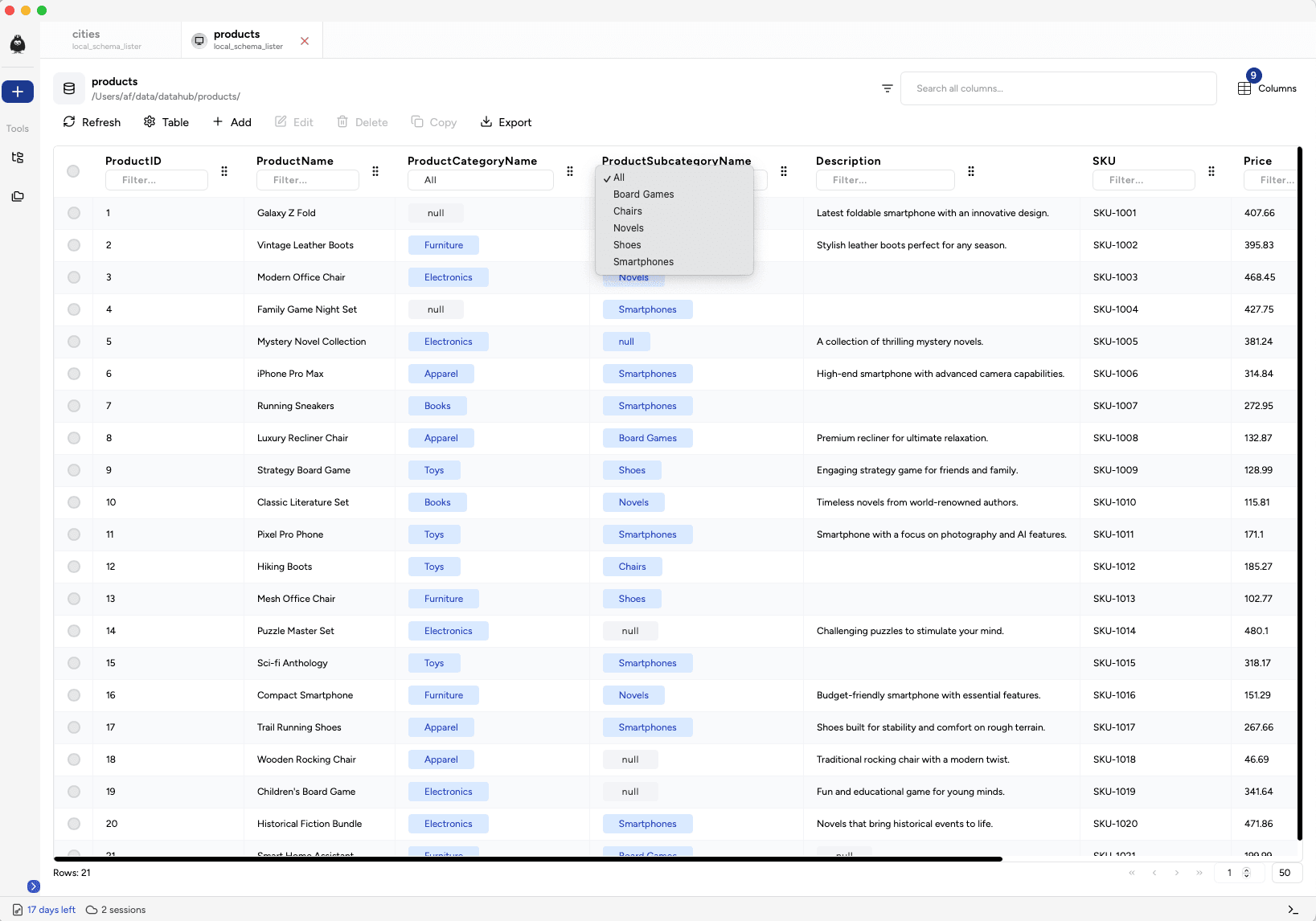
- Server-side search, filter, and sort for the datatable
- Pagination with total row count
- Create folders and tables directly from the storage browser
- Column reordering in the table column selector
- Search in table history
- Tables created outside Eddytor are now discovered correctly
- Discovery cooldown reduced from 60 minutes to 60 seconds
- Filters with many rows render correctly again
- Parent domain value now clears child if not related
- Inline cell editor moves one cell down on Enter
- Faster initial load with optimised streaming
v1.0.0-rc.5#
February 19, 2026You can now move and delete tables, and a navigation guard protects you from losing unsaved changes. The tab bar got a fresh chrome-like redesign, and CSV imports now auto-detect delimiters.
- Move a table from one storage to another
- Delete a table from the file explorer
- Navigation guards to protect unsaved changes
- Auto-detect CSV delimiter on import
- Warning indicator on save button when required fields are missing
- Tips & tricks shown during table loading
- Domain mappings search works for lists over 50 values
- AI credential fetching restricted to authorised users
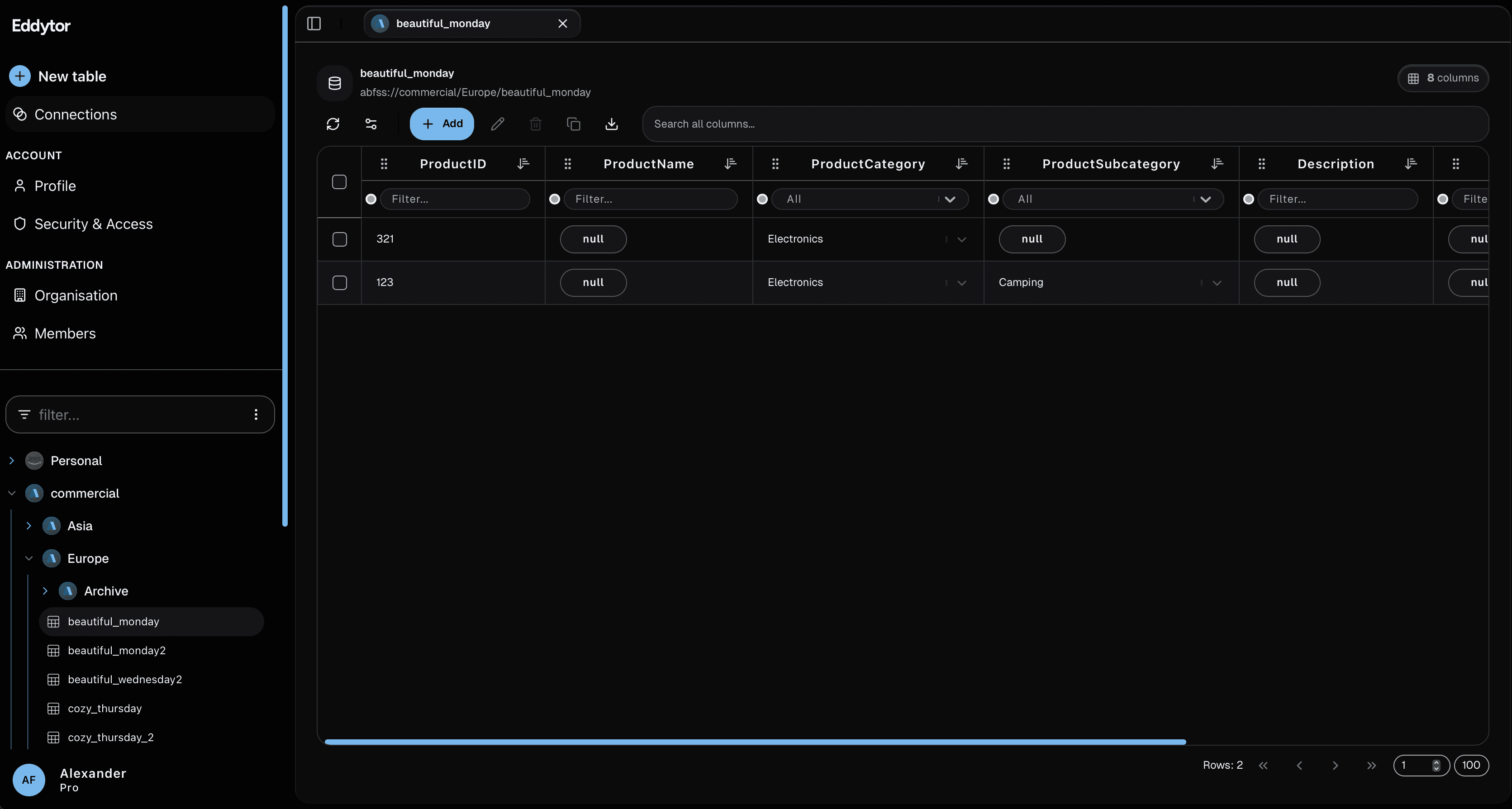
- Table tabs redesigned to chrome-like tabs
v1.0.0-rc.4#
February 13, 2026A big release for collaboration and onboarding. Admins now have an audit trail, organisations can invite users across domains, and new users are guided through an onboarding wizard with interactive tours.
- Audit trail for admins
- Onboarding wizard for new users
- Guided tour overlay with edit-toolbar tour
- Connect Google Cloud Storage via OAuth
- Invite users across organisations with pending invite flow
- Domain-lock invites — users on the same email domain auto-join
- Transfer organisation ownership
- Drag-to-add rows with auto-scroll and row removal
- Export modal with multiple format options
- Right-click context menu for rows and cells
- Copy modal to choose copy method
- Sandbox environment with demo table for new users
- Role permission overview for organisations
- Column reordering works without lag
- Primary key columns correctly forced to non-nullable
- Sidebar reorganised — account and admin items moved into user popover
v1.0.0-rc.3#
February 5, 2026A new dashboard gives you an at-a-glance view of your data, and column domains now support reference types — like foreign keys for your master data. Organisation and account pages have been redesigned.
- Dashboard with charts and recent tables
- Column domain reference types — foreign key-like relationships between tables
- Domain manager redesigned
- Delete an organisation with full data cleanup
- Upgrade and downgrade subscription seats
- Account pages consolidated into a dashboard-like layout
- Organisation page redesigned
- Onboarding rolls back cleanly on subscription failure
- Table history date calculations only recompute when data changes
v1.0.0-rc.2#
January 26, 2026A new role-based permission system with four roles, granular API key scopes, and a design system overhaul. You can now connect S3-compatible storage, manage subscriptions, and browse storage objects directly in the app.
- New roles: Admin, Builder, Editor, and Viewer with permission guards
- Granular API key scopes
- S3 bucket connection wizard
- Cancel and reactivate your subscription
- Subscription plans with billing management
- Permission gates on pages, edit mode, domains, and table history
- Lazy table loading with background refresh
- Preview, download, and delete storage objects
- Column domain hierarchical value constraints
- Login no longer logs you out on network errors
- S3 endpoint issues resolved for bucket connections
- Toolbar redesigned with grouped actions
- Column headers, filters, and sort indicators redesigned
- Account pages redesigned
v1.0.0-rc.1#
January 6, 2026Eddytor now has AI built in. Connect your preferred AI provider and run actions directly on your tables — find duplicates, fix null values, and detect anomalies.
- AI integrations: Claude, Gemini, OpenAI, and Mistral
- AI table actions: find duplicates, fix nulls, and anomaly detection
- Batch merge operations for inserts, updates, and deletions in a single request
- AI responses no longer wrapped in markdown code blocks
- Column quoting fixed for mixed-case column names
v1.0.0-rc.0#
December 9, 2025Its been a while. We have been working hard on a complete refactor of Eddytor. We have moved Eddytor to the web and we are soon ready to show it to you. Nearly everything in Eddytor had to be re-done to work in a web-based setup with a proper API.

- Everything is different and then not. We have tried to keep some of the original design but most features have been improved
v0.19.3#
June 26, 2025We are trying to improve the onboarding experience with Eddytor, and to do this, we’re introducing embedded tours. A few guided tours are included in Eddytor with more to come. Each guide attempts to improve the getting started experience.

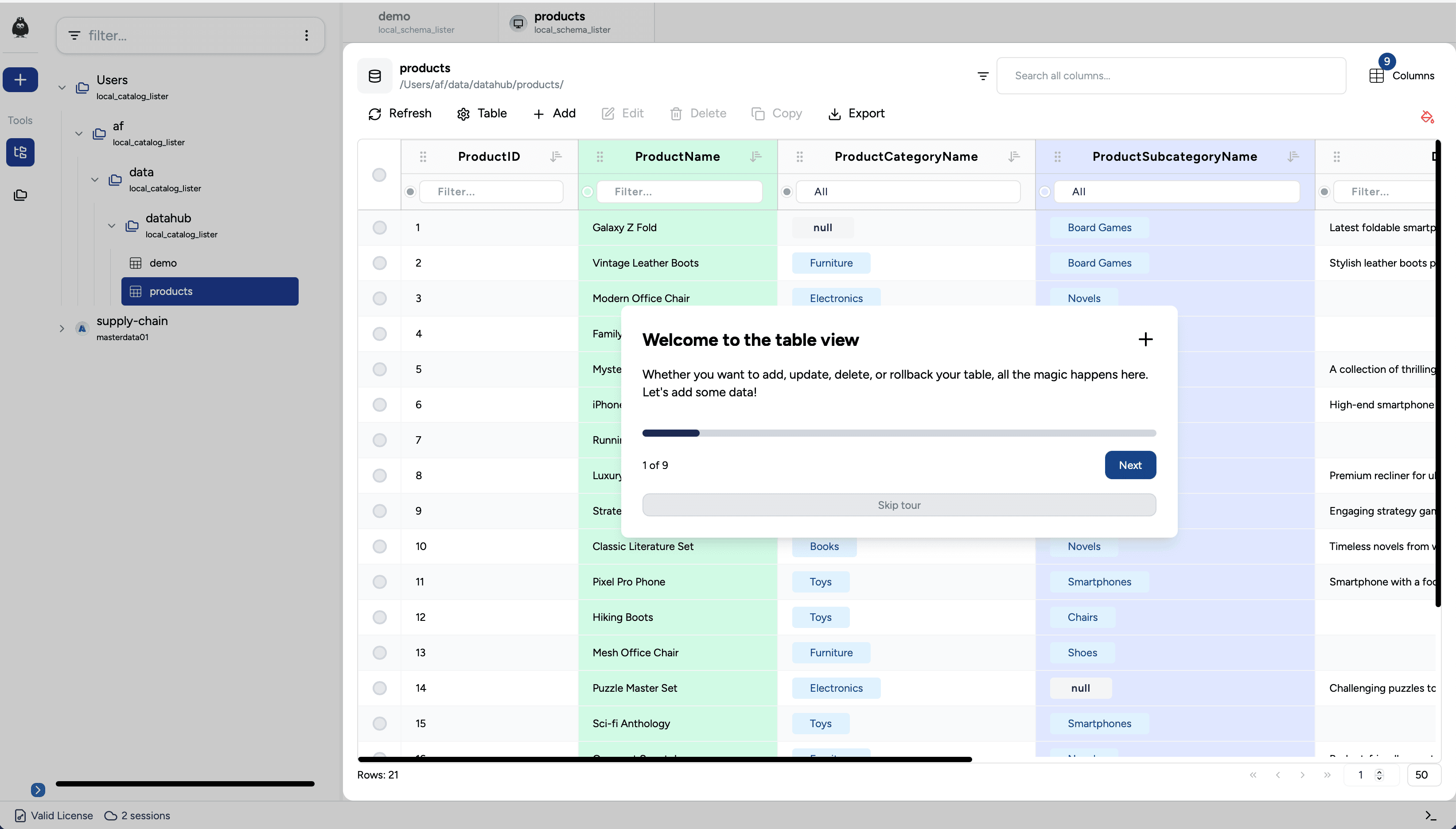
- Guided tours
- Color a column. Click on the small circle next to the filter in each column to color your column
- Multi-selection added to column filters in the datatable
- Search added to column filters in the datatable
- Deleting an enum when filtering the view caused the wrong enum to be deleted
- Columns with dropdown filters now affect other dropdown filters, so you only see items visible in the table
- Saving modifications to enum no longer cause all windows to close
- Double-click on a row had a quirk where it would close immediately on the first attempt when opening a table
v0.19.2#
June 16, 20250.19.1 introduced drag & drop of datatable headers. On some tables, this caused a large amount of lag, which was caused by re-rendering of the filters. This has now been refactored to improve the performance and the overall experience.

- When selecting multiple rows for update, the placeholders of the input/select fields will state if multiple values are present
- Null values were not treated correctly when appending or updating
- Boolean values are still not able to be null, but has been improved to avoid failing sometimes
- If some filters of each header in the datatable contained many values, the drag & drop feature (moving headers) would cause a significant lag. This has been fixed
- Table headers in the datatable got a small overhaul
- Sidebar and footer got a new background color
- When an update is available, the button is now visible in dark mode
- Boolean values are now styled the same way as null or enum values
v0.19.1#
June 13, 2025This minor patch is a Quality of Life patch. We’re trying to improve the overall user experience with the tool, making the work flow feel better.

- Move a column by dragging & dropping horizontally
- Added filter on each column
- When clicking a tab or opening a table, you’re smooth scrolled to that location, opening related folders
- Select multiple rows by holding down CTRL or CMD when clicking on a row
- Hold down SHIFT when you want to select a range of rows in the datatable
- Fixed an issue when deleting enums that would sometime fail
- Fixed a bug with null values when bulk inserting
- Null values are now presented in each cell in the datatable
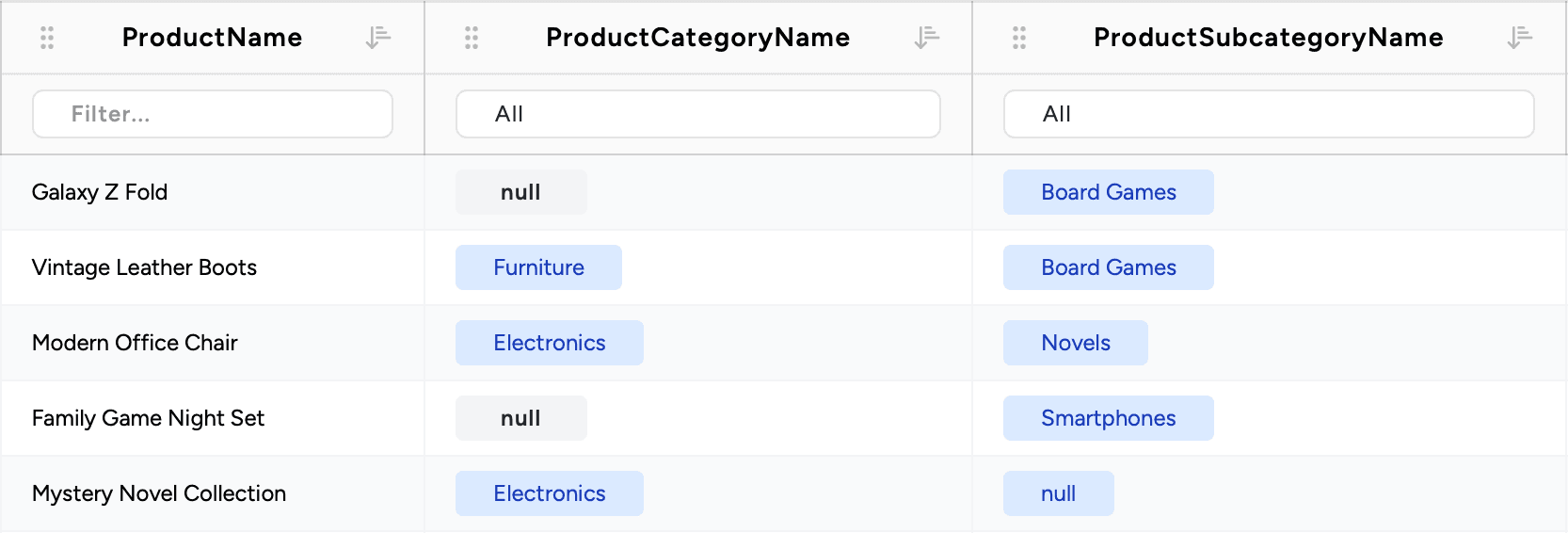
- Fixed values (enums/dropdowns) are now presented as a chip in the cells of the datatable
- Labels have been added to table actions
- Tabs have been redesigned to look more like the rest of the application
- Redesigned the delete data UI
- On larger screens, table actions are split to the right side instead of at the bottom
- Checkboxes have been updated
- Input fields have been redesigned for a more fresh look
- Minor color adjustments
v0.19.0#
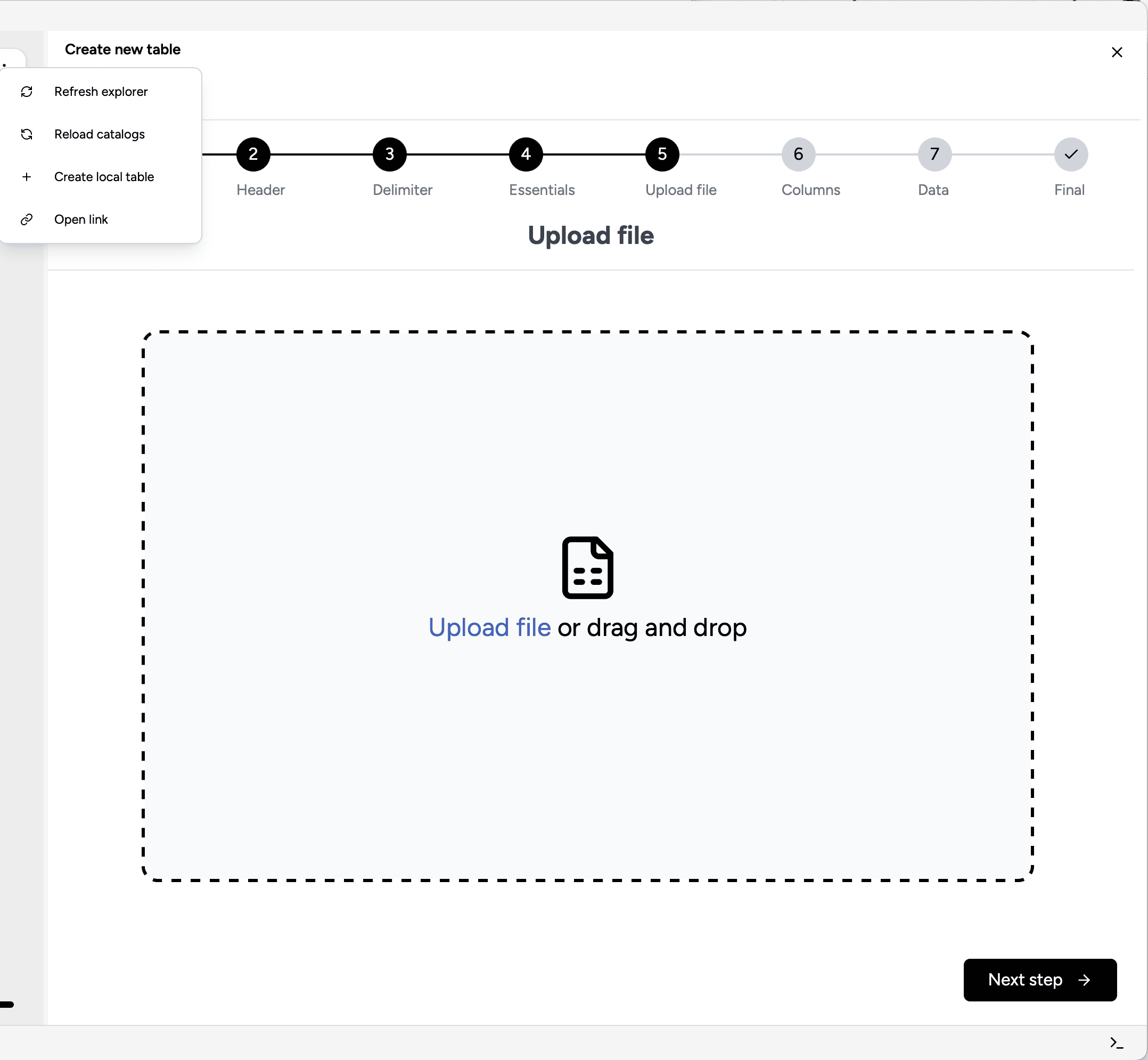
May 30, 2025Got a ton of Excel-sheets with many columns? If you convert them into .csv, you can now use Eddytor to create a table, infer a schema, and infer dropdown menus. All you have to do is use our new create table flow!

- New create table flow with steps to guide you through the creation
- Create tables based on CSVs with inferred schema detection
- A new Enum manager for an improved experience managing your dropdowns
- A minor redesign to how constraints are managed in the property window
- A minor redesign when adding new columns
- Small issue with checking if a dropdown item may be deleted, if the table had a space
- Columns using the `long` data type would sometimes break
- Now able to use the binary data type
- Dates in the datatable are no longer showing an arbitrary time
- Null is no longer being inserted as the literal string 'null' but is now a proper null value
v0.18.0#
May 14, 2025We are introducing tabs. You are now able to open multiple tables, and easily swap between those tabs. This release also includes a ton of bugfixes and UI improvements.

- A new tab is opened when showing a table
- When deleting a value from a dropdown, a validation check is executed to ensure no invalid data persists in the latest version of a table
- Eddytor will now be kept in sync with your storage when you either renamed or deleted in your storage
- The min/max screen width/height has been heavily reduced
- New dropdown components with search capability — and sorted alphabetically
- Missing refresh after rollback
- Composite keys are now working as expected when updating multiple values
- A constraint would always be violated if the column name was used in the expression
- Clicking a deep link from Outlook was not able to be parsed due to Microsoft altering the link
- Null is no longer being inserted as the literal string 'null' but is now a proper null value
- Adding a new column would throw an error, even though the column was actually created
- Table registrations behind the scenes are more smooth, which makes the whole experience faster
v0.17.0#
May 9, 2025This release was a major refactor of internal session management and table registration. This resolved a lot of bugs with keeping a session alive and had some nice performance improvements.

- Connect, disconnect, and delete a session
- Upload file to a location by right clicking that location
- Improved UI design of the property window
- Improved UI design when importing data
- Table registrations behind the scenes are more smooth, which makes the whole experience faster
- Massive performance improvement when bulk inserting data into a table
v0.16.0#
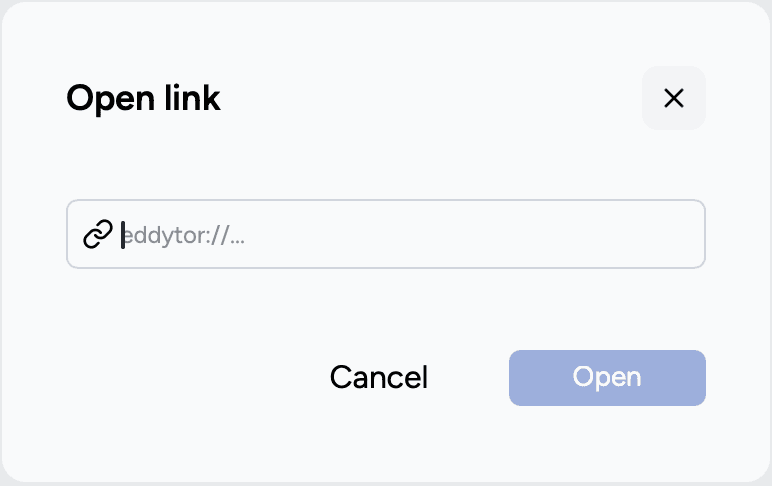
March 24, 2025Allow us to introduce our new feature: Deep Link. It is now possible to share links directly with your colleagues or embed links into existing automation flows.

- Deep link: copy and share a link to a remote table and have Eddytor opening the link
- Opening the download folder will now highlight the actual newly exported or downloaded file
- Only one instance of Eddytor can be run now due to Deep Link
- Link to buying key was incorrect
- Retrieving commit infos are only requested when looking into the history of a table, reducing unnecessary metadata fetching
v0.15.0#
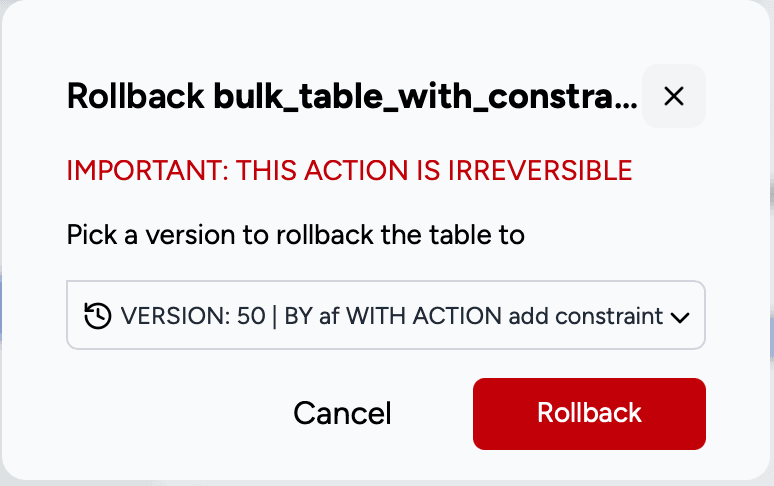
March 10, 2025Time travel between your versions! Someone bulk uploaded a ton of data? Jump to the History tab under Properties and restore to the version before the upload.

- Restore a table back to a previous version
- If re-connecting to Azure from the file explorer, the tables could not be loaded until catalogs was refreshed. This has now been fixed and is done automatically
v0.14.0#
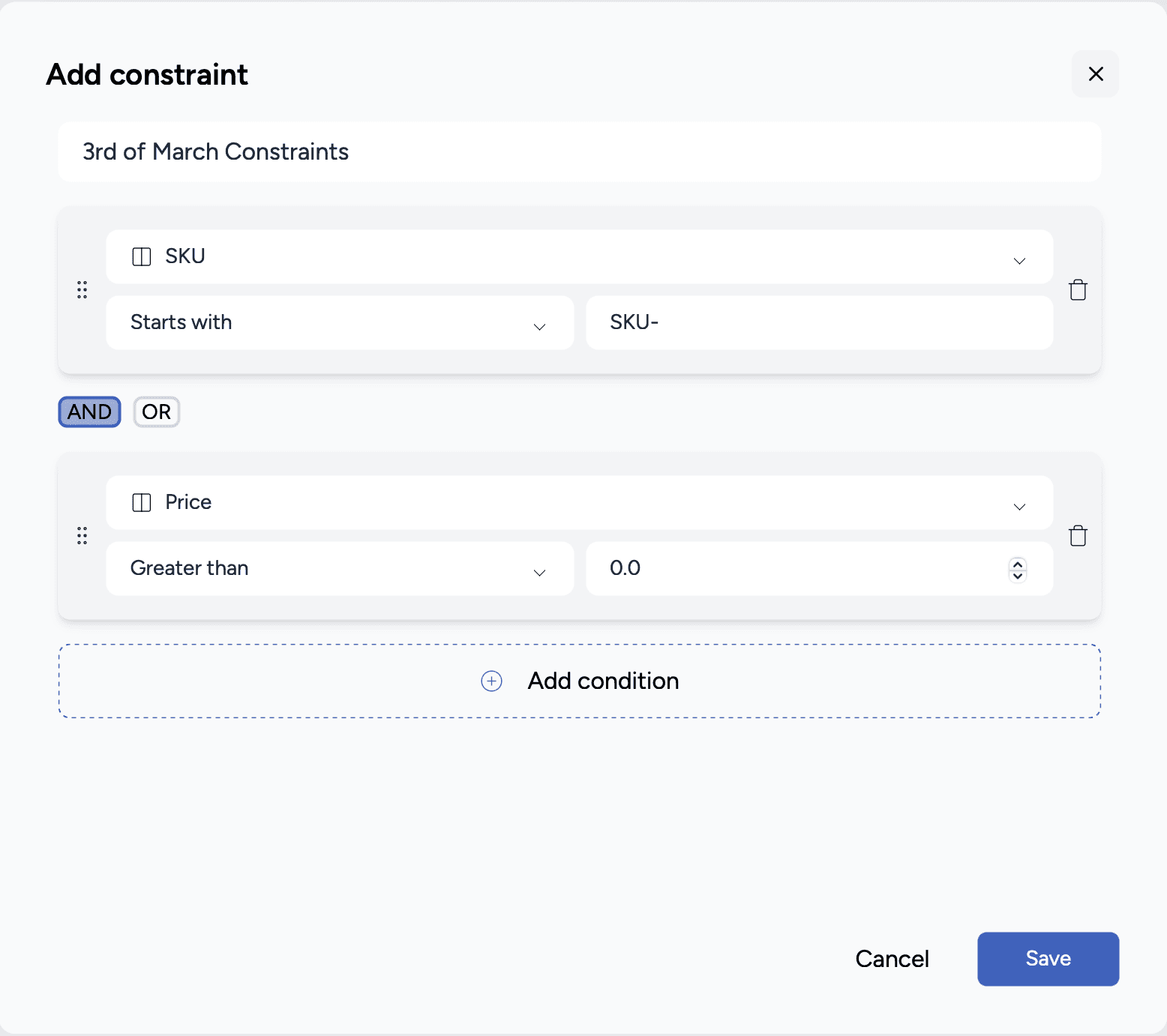
March 3, 2025After creating a table, you were stuck with the constraints you had made. If you had made an error, you had to re-create the table. No longer. In this release, you can now add constraints after table creation — and drop a constraint if no longer needed.

- Add a new constraint to a table in the Properties → Fields section
- Data is checked for violations when creating a new constraint
- Ability to drop constraints
- Hovering on the exit button in some windows now only lights up when hovering above the icon, not the entire box
v0.13.1#
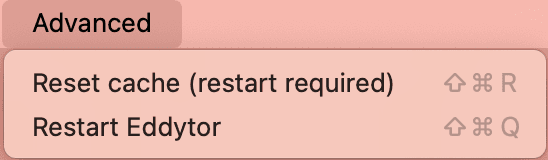
February 23, 2025As a result of the release of v0.13.0, the underlying architecture had some changes. This may affect some users with cached tables not being able to load. Two menu items have been added to the window menu under Advanced to mitigate this.

- Reset your cache from the window menu
- Restart Eddytor from the window menu
v0.13.0#
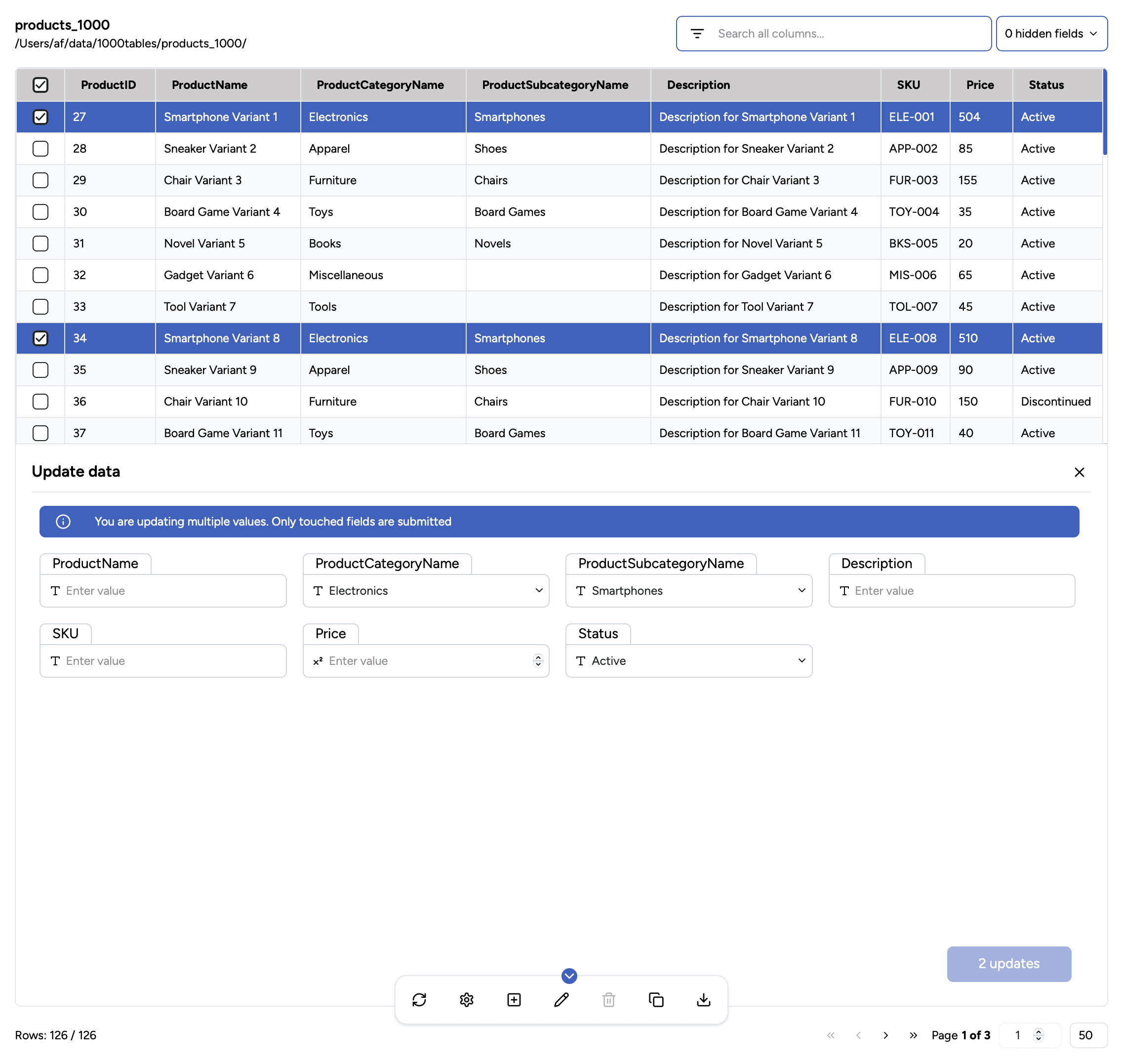
February 22, 2025You can now select multiple rows and update either all cells or just one column — all from a single view. We listened to your feedback from pilot customers and internal users, leading to several UI improvements.

- Multi-update data in your table. Either one or more columns at a time
- See unused datasets/data-connections from the ellipsis right to the search field in the file explorer
- Table operation windows have been merged with the table window to improve usability
- New font for improved readability
- Loader timeout increased to 15 minutes for loading large numbers of tables
- Pasting data into when updating enums are now split correctly into new elements
- Removing an enum value is now actually removed when pasting data
- Starting the application will now ensure the file explorer is initialized properly
- Update button disabled until any field has been touched
v0.12.1#
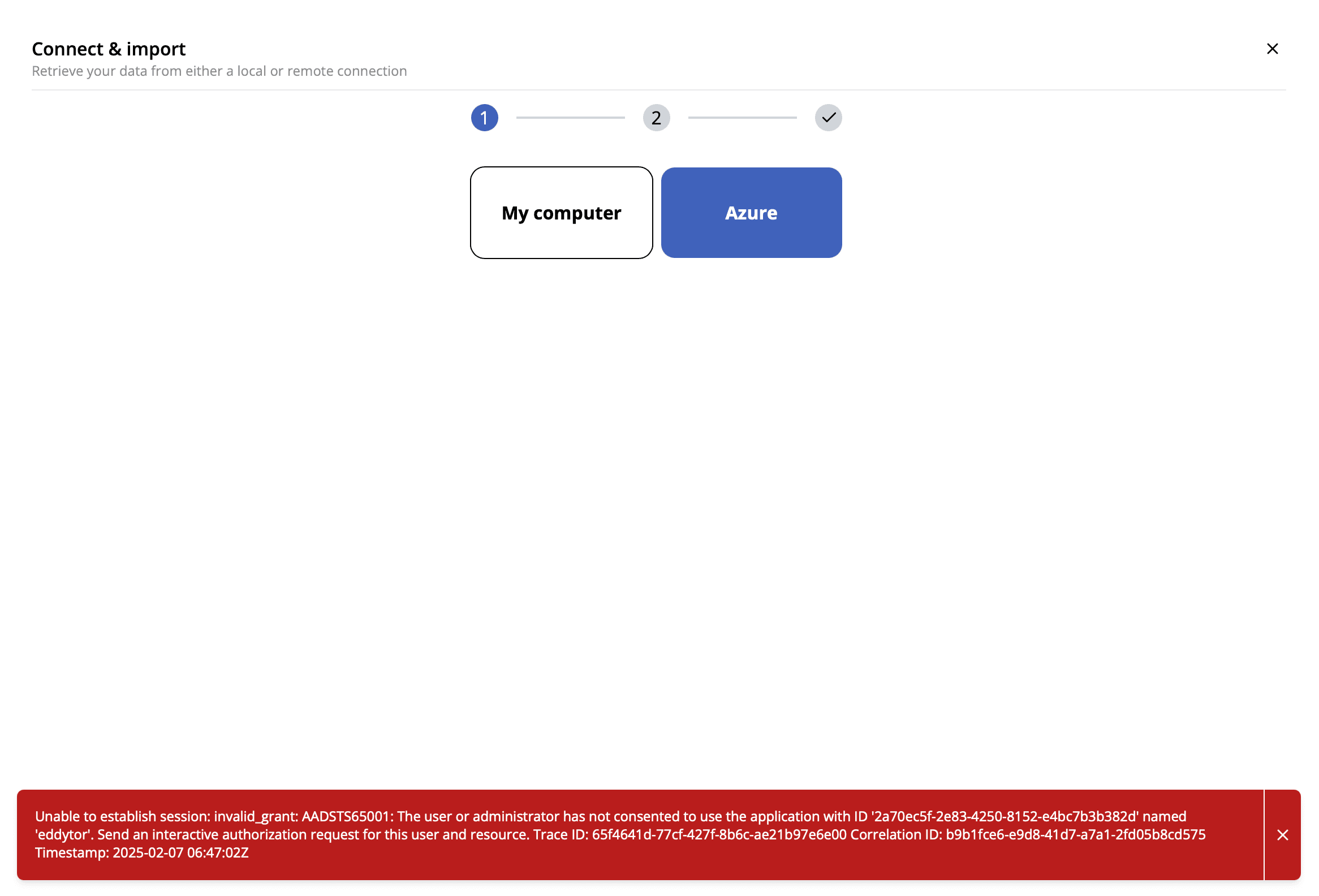
February 4, 2025Fixed an issue with error handling when retrieving Azure storage accounts & containers. A log file is now generated in the local appdata folder to be used for future problem hunting.

- Added a file logger to be stored locally on your computer
- If Azure returns invalid grant, it is now returned to the user
- Load specific file paths locally (e.g. .parquet and .csv)
- Field names when checking composite keys are now handled properly when the column name includes spaces
- Able to reveal folders (e.g. the Download folder) locally
- When exporting to .csv, quotation is now handled as expected
- Bulk now handles all input types
v0.12.0#
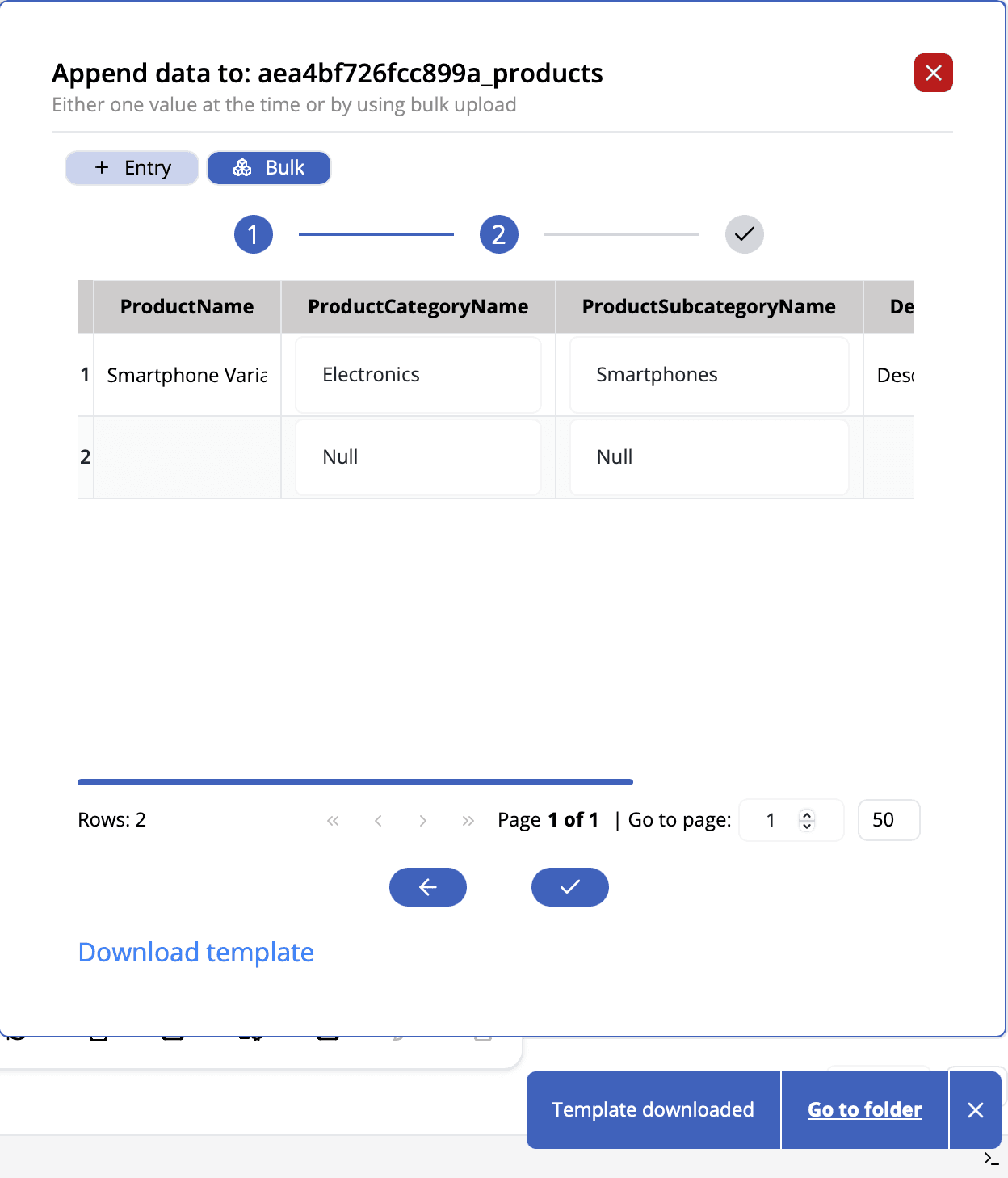
February 2, 2025Bulk append import had a major overhaul. The flow now includes a table previewer with editable cells. A data check is executed on upload to avoid any complications between the data and the schema.

- Drag & drop of .csv-files supported in bulk upload
- Outside-click now supported for context menus
- Add column new constraint design and fixed constraints when adding a new column
- Bulk append field with enums now includes a dropdown
- Create table UI overflow issues with enums
- Expressions now colored blue instead of red
- After 1 min, the loader will unmount
- Drawer now takes up a little more space
- Read Utf8 failed in parquet
- Property window long headers pushed the closing icon far away
- Create table at home folder now allows to select path
- Create table and append data closes after execution
- Header set to true when exporting data
- Searching file explorer now lowercases table names correctly
- Add enum to add column
v0.11.0#
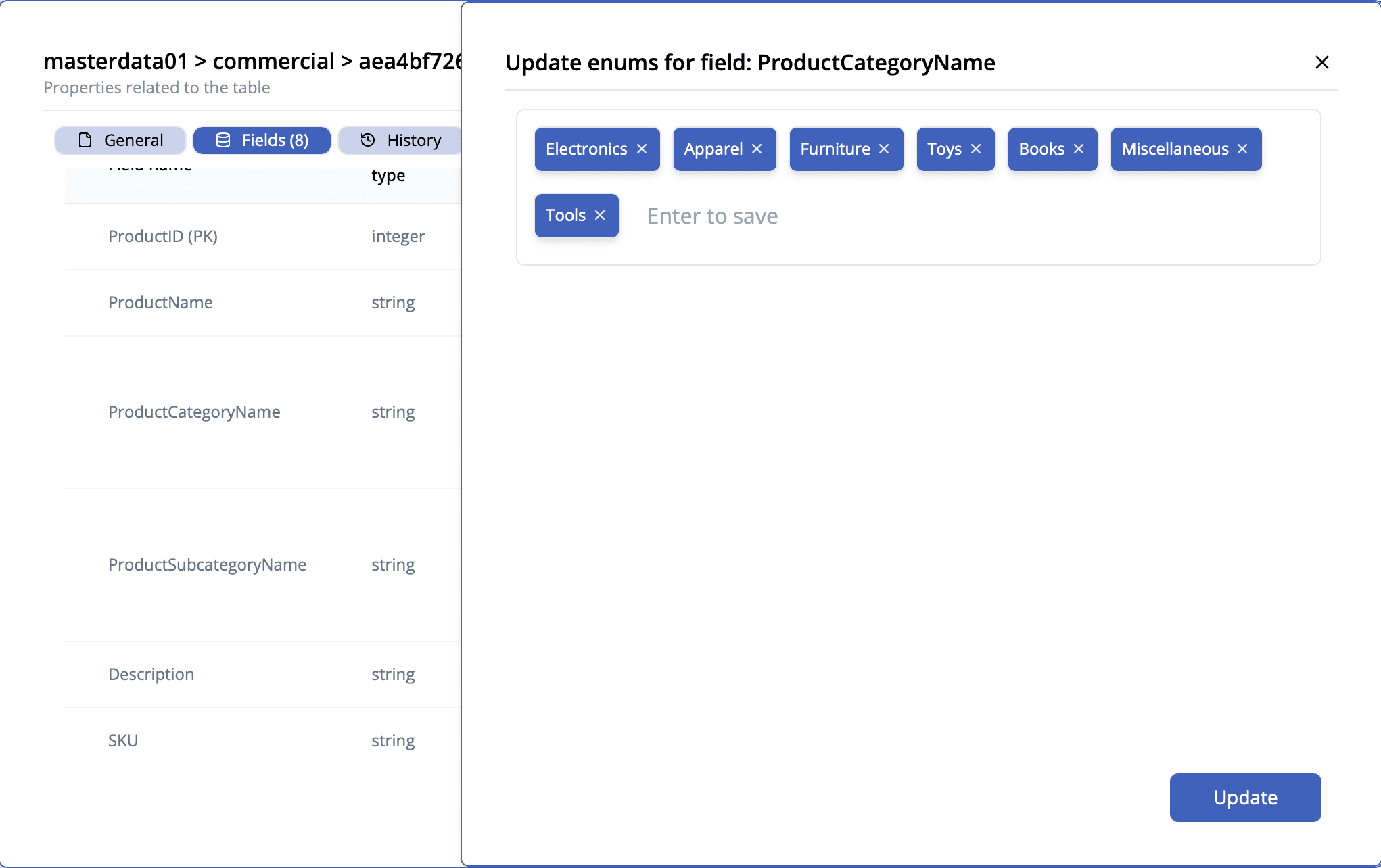
January 22, 2025Now you are able to edit enums after creation.

- Update field enums now supported
- JSON Viewer added to the history view in the Properties component
- Delete data now refreshes catalog
v0.10.0#
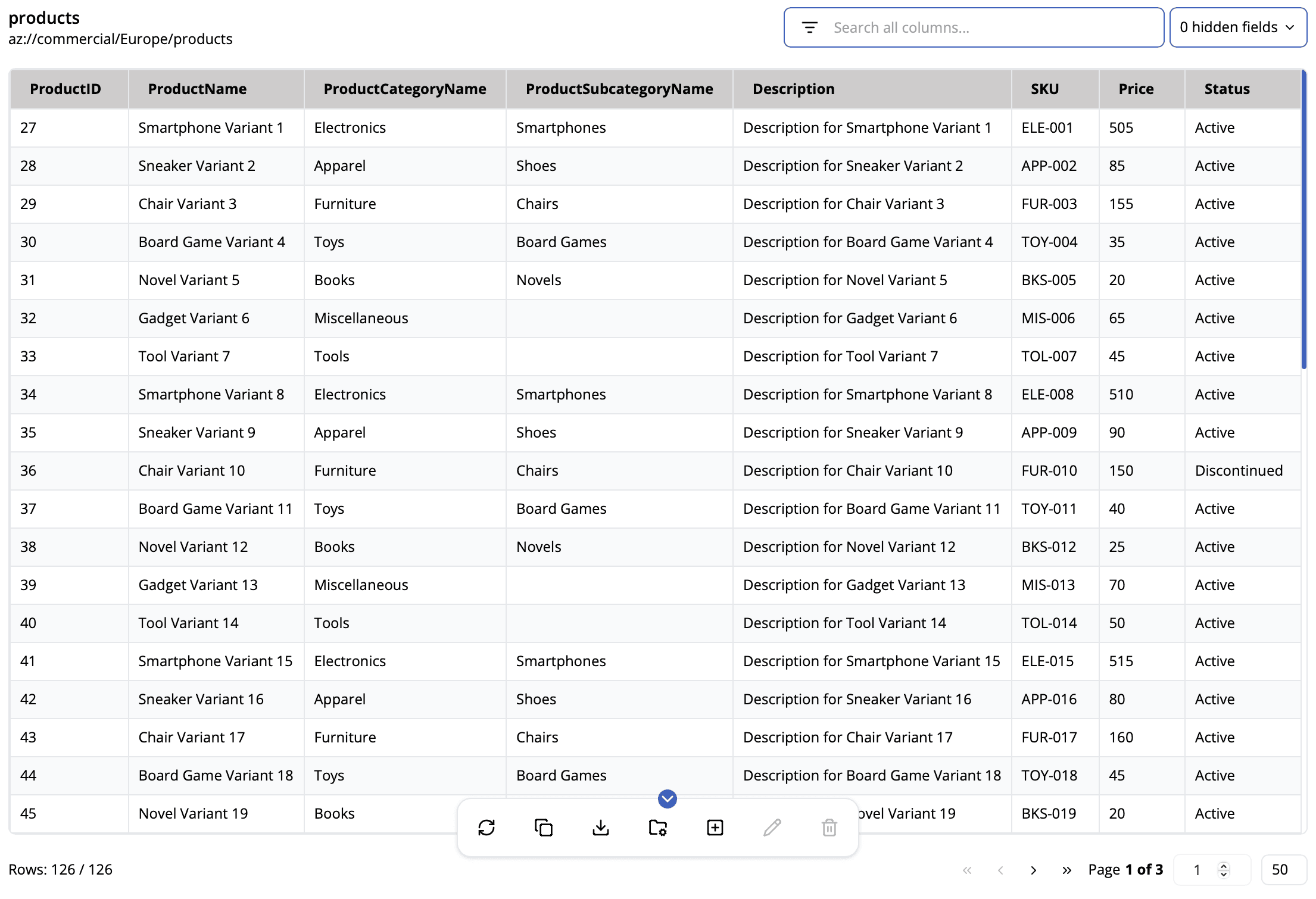
January 14, 2025Datatable has been updated to include a number of requested features. The table itself also feels more modern.

- The datatable had a major update. Now supports searching, filtering, sorting, and pagination.
- Replicate state file on version update